Do you ever find yourself ending the day having completed many tasks, but with little clarity on where your time actually went?
The choice of app matters more than it seems. You’re not just deciding where to write a to-do list. You’re deciding how to gather useful information about priorities, delays, workload, and operational continuity. For a freelancer, this means understanding which tasks eat into profit margins. For an SME, it means seeing whether the team is working on urgent tasks or on what produces results.
In recent years, the market has shifted from standalone tools to solutions that combine tasks, calendars, reminders, and collaboration. The benefit is clear: fewer context switches, fewer forgotten tasks, and more continuity throughout the day. The trade-off, however, is just as real. The simplest apps are quick to adopt but often offer limited functionality. The more powerful ones require a systematic approach, configuration, and a certain amount of discipline.
That's why this guide doesn't just list features. It helps you choose based on how you work: managing your own tasks, coordinating a team, block scheduling, quickly capturing tasks, or organizing projects with multiple stakeholders.
Then there’s a level that many overlook. Daily micro-productivity can become a valuable source of data. If you accurately track activities, timelines, priorities, and progress, that information isn’t just useful for organizing your day. It can provide a broader perspective on performance. Analytics tools like ELECTE help with this very process, transforming project operational data into useful insights that help you understand where work slows down, where it’s most productive, and which processes should be adjusted.
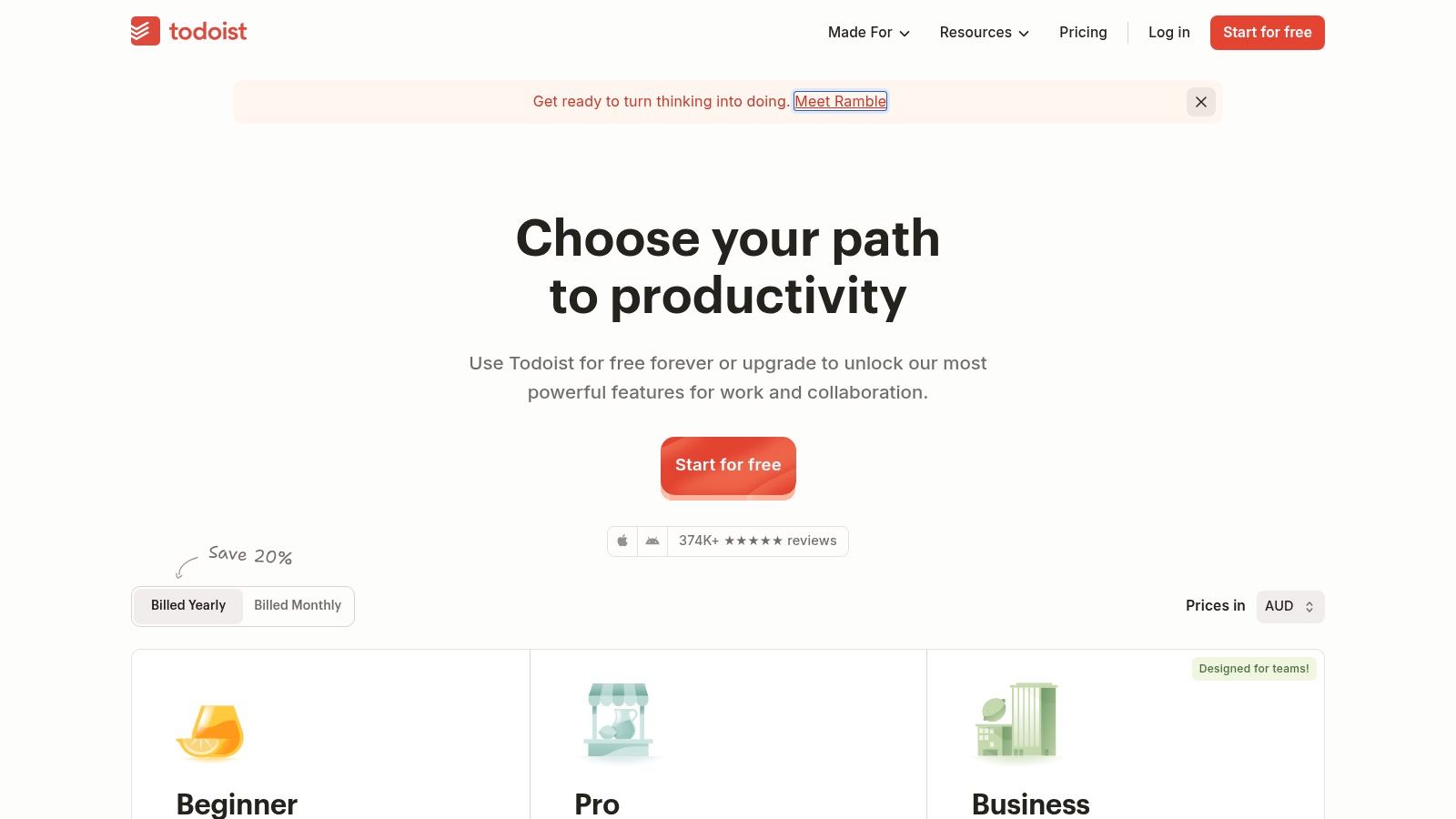
Todoist remains one of the most well-balanced apps for organizing your day. It gives you enough structure to work effectively every day, but without forcing you to think like a project manager. If you want to open the app and immediately know what to do today, you can't go wrong.
The "Today" and "Up Next" views are at the heart of the experience. They work well because they separate actionable work from planned work. Add to that labels, priorities, recurring tasks, filters, and reminders—in other words, everything you need when transitioning from personal management to collaborative workflows.
Todoist is very effective in three situations:
Rule of thumb: If you stop updating an app after a week, you don't need more power. You need less friction.
Its limitations become apparent when you want to turn task management into in-depth operational management. You can organize your work well, but you don’t have the same flexibility as a database like Notion or the same workflow view as Trello. Additionally, some of the most interesting features are reserved for paid plans, so it’s a good idea to carefully assess what you really need before building your entire system around it.

TickTick is the right choice if a traditional to-do list feels too limiting. It combines tasks, a calendar, habits, the Pomodoro Technique, and reminders in a surprisingly cohesive way. It’s not the most minimalist tool on the list, but for many people, that’s exactly what makes it so great.
Daily planning is quick. Enter tasks, drag them onto the calendar, add flexible recurring events, and you’ll immediately have a clear overview of your day. If you work in blocks of time rather than just deadlines, TickTick makes more sense than many apps that are just simple to-do lists.
TickTick appeals to people who want “almost everything” in one place. The thing is, “almost everything” doesn’t always mean “frictionless.”
People who use TickTick effectively tend to have a well-defined routine. Those who stop using it usually do so because they’ve added too many features to their system. If you open the app and find tasks, habits, timers, and reminders that you have to manage all at once, you run the risk of turning organization into a chore.
TickTick works well when you decide on your approach first: what goes in the calendar, what stays as a task, and what isn't worth tracking.
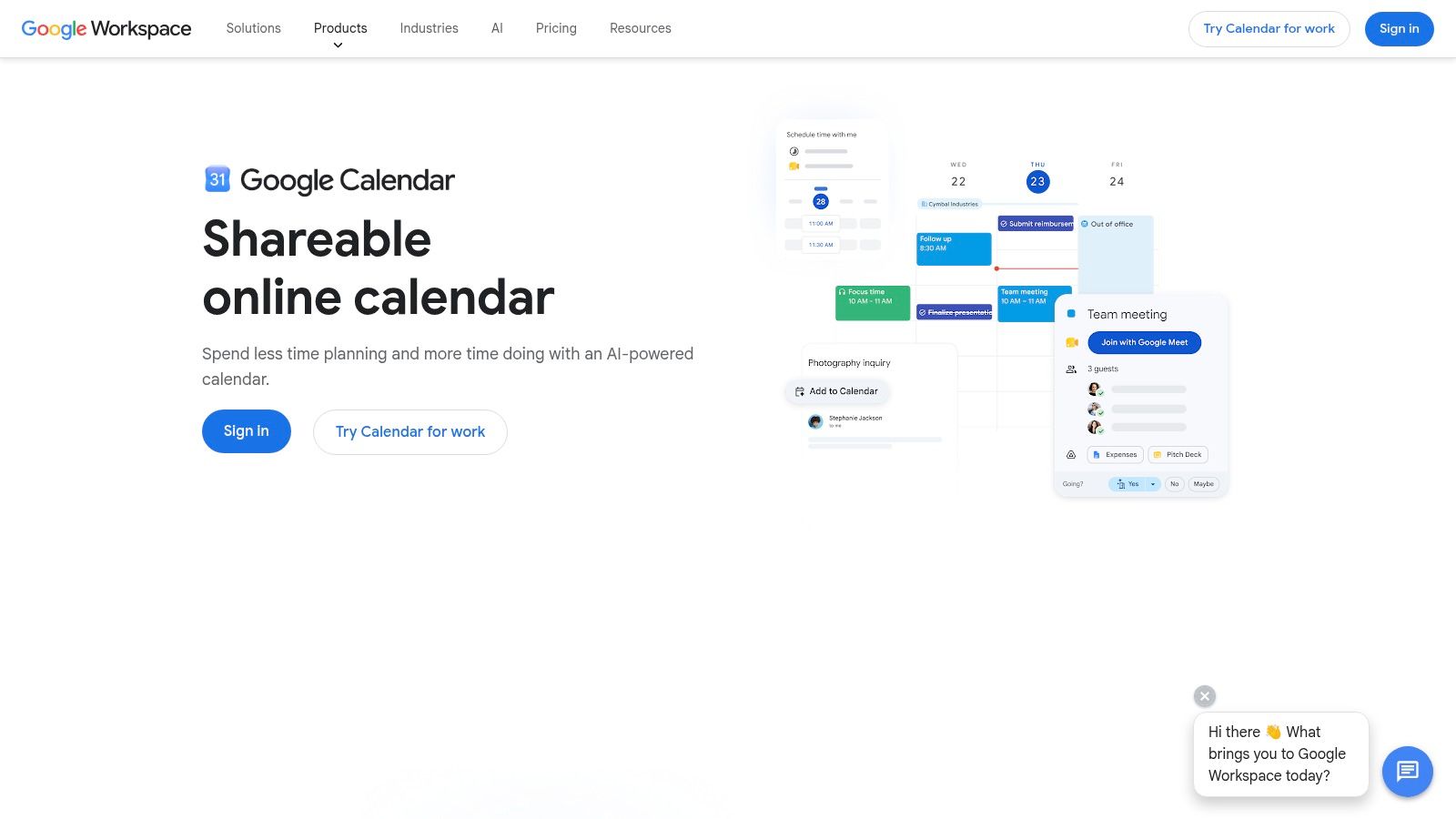
Google Calendar isn't a to-do list, and that's exactly why it often organizes your day better than many apps designed specifically for tasks. If your main goal is to free up time, avoid scheduling conflicts, and give your week a concrete structure, it's still an essential tool.
It works very well for appointments, calls, meetings, deep work sessions, and coordinating with others. The day, week, and calendar views are easy to read. Invitations, attachments, time zones, and integration with Meet make it a very solid foundation, especially in environments that are already part of the Google ecosystem.
Google Calendar makes sense if your work is driven more by time than by to-do lists.
If you're setting up internal collaboration, it may be helpful to understand how to create a team calendar without resorting to different conventions among individuals and departments.
The limitation is clear: Google Calendar isn’t a replacement for a true task management app. If you need to use priorities, subtasks, filters, dependencies, or a personal backlog, it isn’t enough on its own. On the other hand, it remains one of the best “execution engines,” because it turns intentions into actual slots on the calendar.
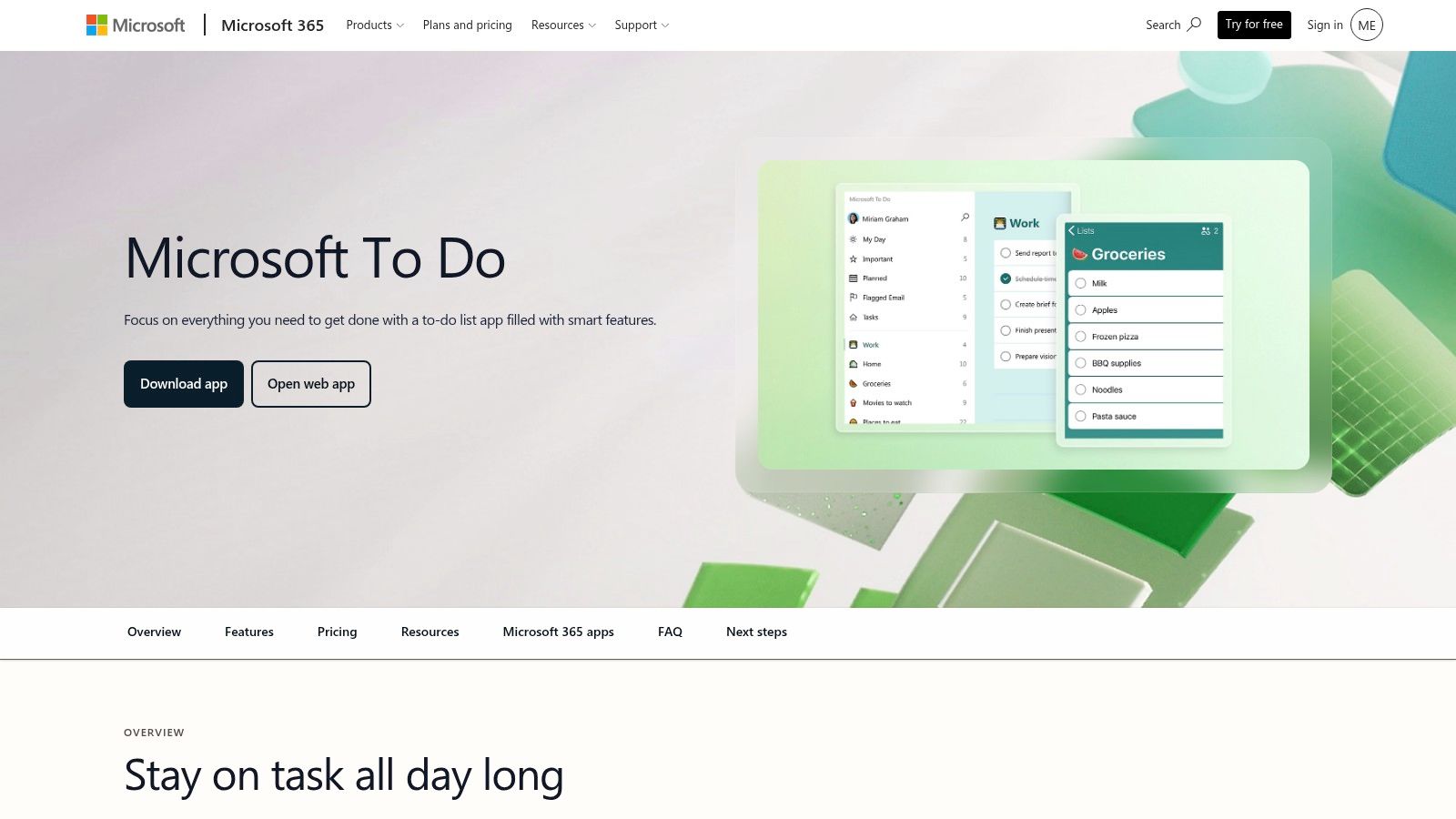
Microsoft To Do is one of the few apps I recommend without much hesitation to anyone who already works with Microsoft 365. It doesn't try to do everything. It helps you choose what matters today and keep it front and center.
The My Day list is its real strength. It may not seem like a revolutionary feature, but it changes the way you manage your workload: instead of getting bogged down in an endless backlog, you isolate a few relevant tasks and bring them into the current day.
If you use Outlook, Microsoft To Do feels like a natural extension of your inbox and calendar. It's also convenient for anyone looking for a free, synced solution that's easy to get started with.
Many people underestimate it because it's simple. In reality, its simplicity is the very reason it's actually used. The problem arises when you try to turn it into a project management system. It isn't one, and forcing it in that direction creates more work than it saves.
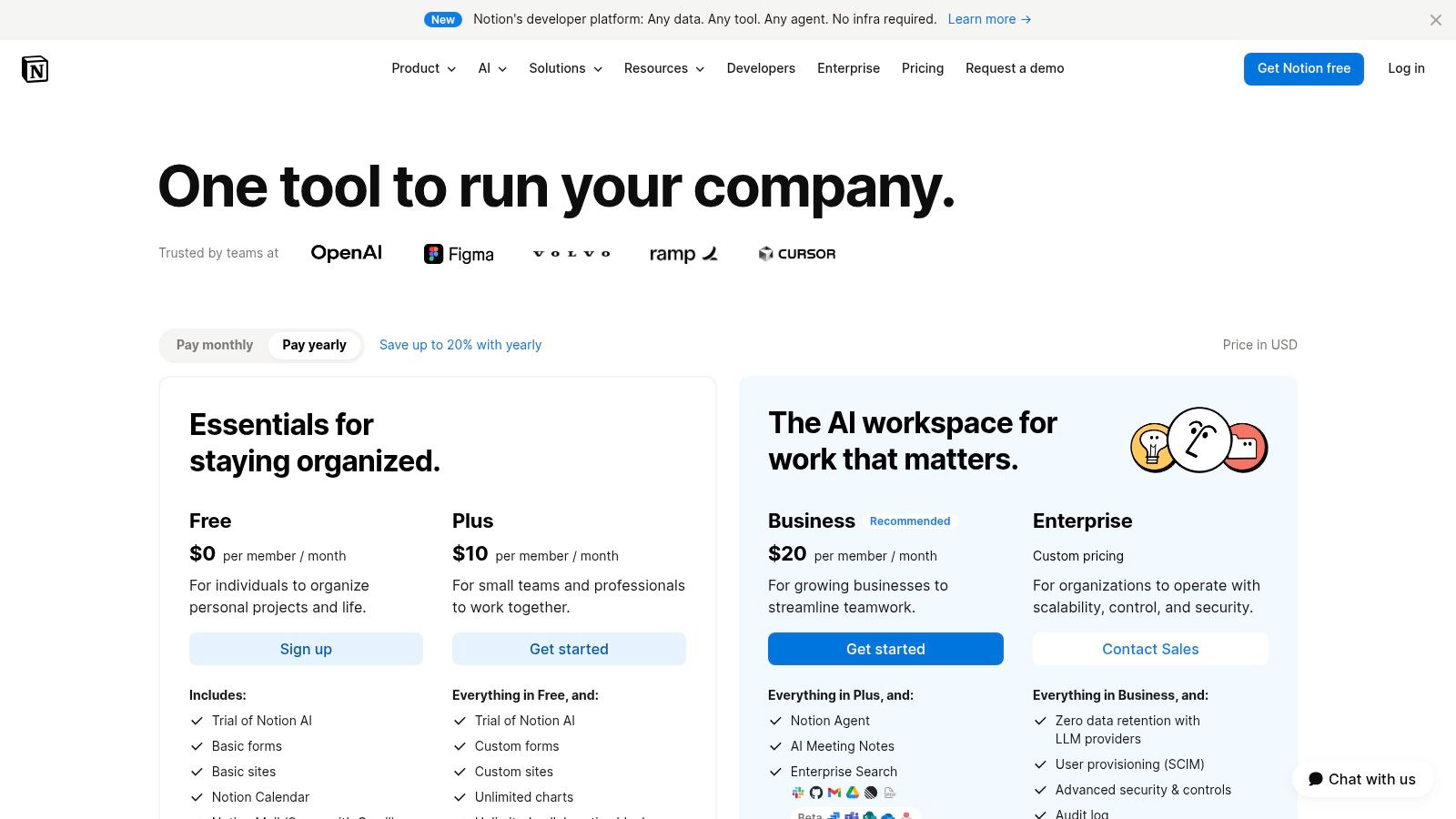
Notion isn't the easiest choice. It's often the most powerful one. If you want to build a system that combines notes, tasks, documents, databases, wikis, and a daily planner, few alternatives offer the same level of flexibility.
The real advantage is that you can tailor the app to suit your needs, not the other way around. An individual can use it as a daily planner with a calendar view. A team can turn it into a shared space for projects, documentation, pipelines, and operational routines.
Notion becomes interesting when it stops being just about “personal organization” and starts producing a structure of information that’s also useful for business. Every project, task, owner, date, and status creates a small set of internal data. If that data remains scattered, you lose visibility. If you analyze it, you begin to understand how the team really works.
Here, the link to the analysis is clear. Standardizing processes and workflows is one of the best ways to increase efficiency and reduce costs, especially when day-to-day work generates signals that can then be interpreted at the managerial level.
Notion rewards those who design the system before filling it with content. If you start with templates without a clear structure, you'll end up with a dashboard that looks good but is fragile.
The downside is well known. It requires setup, maintenance, and discipline. If you want to open an app and have everything ready to go, Todoist or Microsoft To Do are faster. Notion is most useful when you have repeatable processes, not when you’re looking for a quick fix.
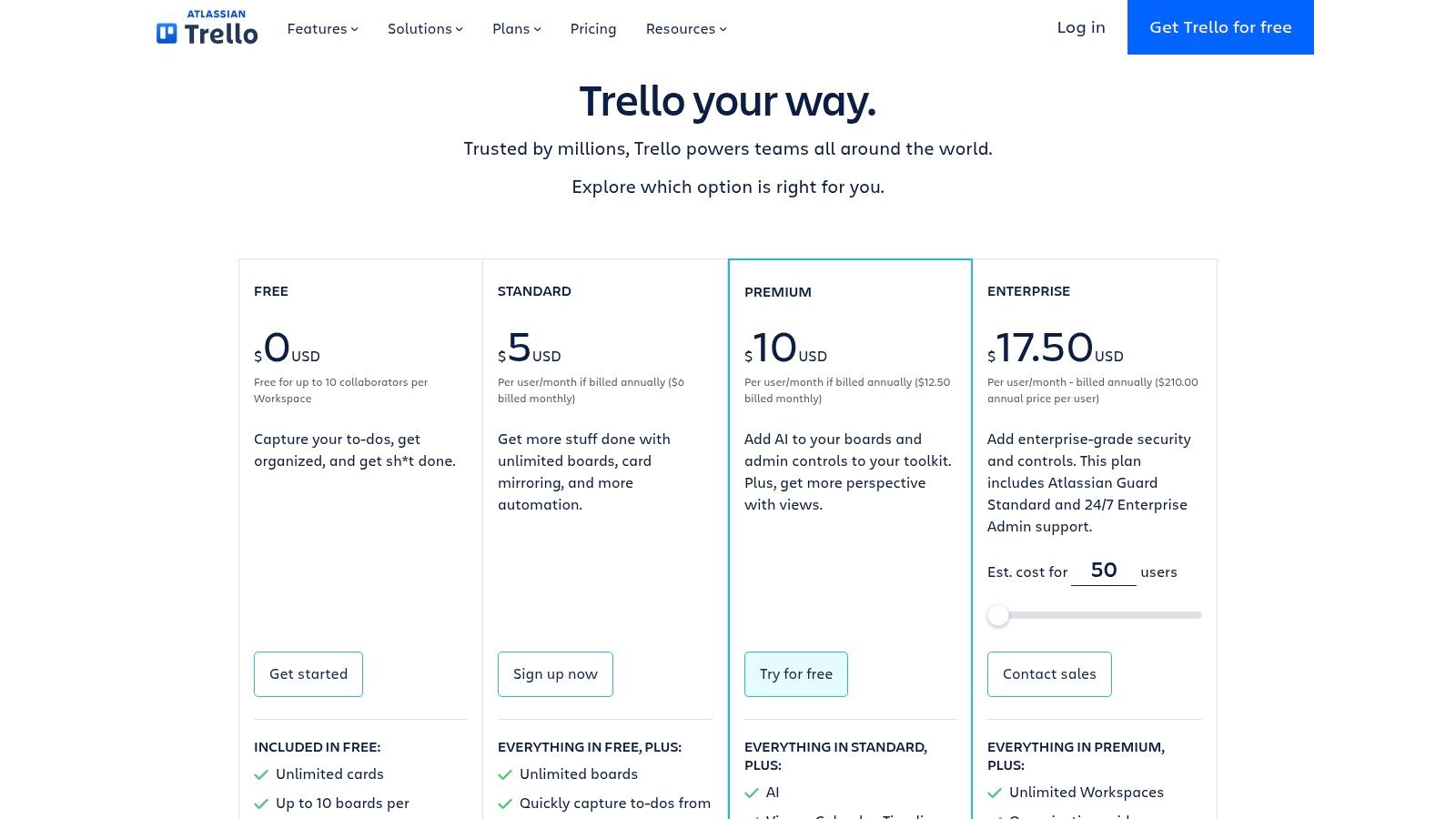
Trello remains one of the clearest ways to visualize your work. If you think in terms of progress rather than hard deadlines, its model of boards, lists, and cards is still very effective. For many people, seeing “Today,” “In Progress,” and “Done” works better than any linear list.
It's a good app for organizing your day when you have a visual workflow. Marketing, content, light administrative tasks, onboarding, recurring operational tasks—anything that moves from one phase to the next works well with Trello.
Trello works best if you don't try to turn it into a miniature ERP system. It should be used to make work visible, not to model every possible exception.
If you're considering visual tools for teams and sprints, an overview of agile project management tools can help you understand when Trello is enough and when you need to step it up a notch.
Its main limitation is that some of the most interesting views and automations are located on higher levels. Furthermore, when the number of boards grows too large, the initial clarity can give way to confusion.
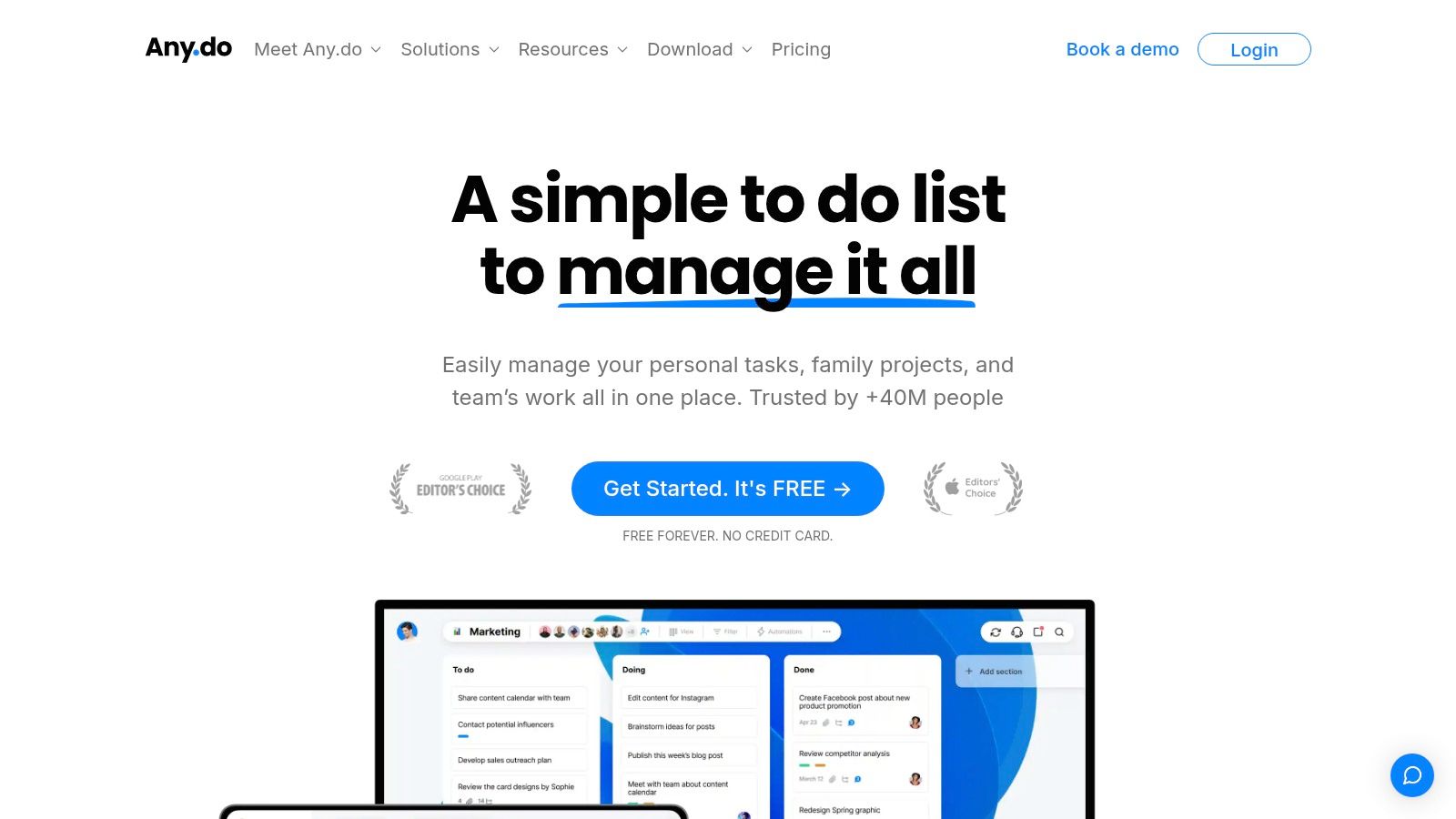
Any.do makes sense if your problem isn't managing complex projects, but getting your day organized without wasting time setting up the system. Open the app, enter tasks, add reminders, and view the calendar. For those coming from a world of scattered notes, WhatsApp messages to themselves, or tasks jotted down on the fly, this simplicity matters more than many advanced features.
Its main strength is its speed. Any.do helps you turn vague ideas into a concrete to-do list for today. It’s especially useful if you need to manage both your work and personal life in one place, without getting bogged down in overly complex boards, databases, or workflows.
I recommend it to freelancers, professionals, small business owners, and anyone who wants a lightweight yet organized system. The integration with the calendar helps avoid duplication and makes it easier to tell whether your day is actually manageable or if you're just piling on tasks.
This is where the real trade-off lies. The easier an app is to use, the less structured data it collects about how you work. Any.do helps you get things done, but it offers little if you want to analyze patterns, bottlenecks, workloads, or performance over time.
For personal use or for a very small team, it can be sufficient for a long time. If, on the other hand, you want your day-to-day management to also serve as a source of information for operational decisions and business analysis, you need a tool that transforms activities into readable and comparable data. That’s where micro-productivity stops being just about personal organization and becomes a useful input for assessing performance as well.
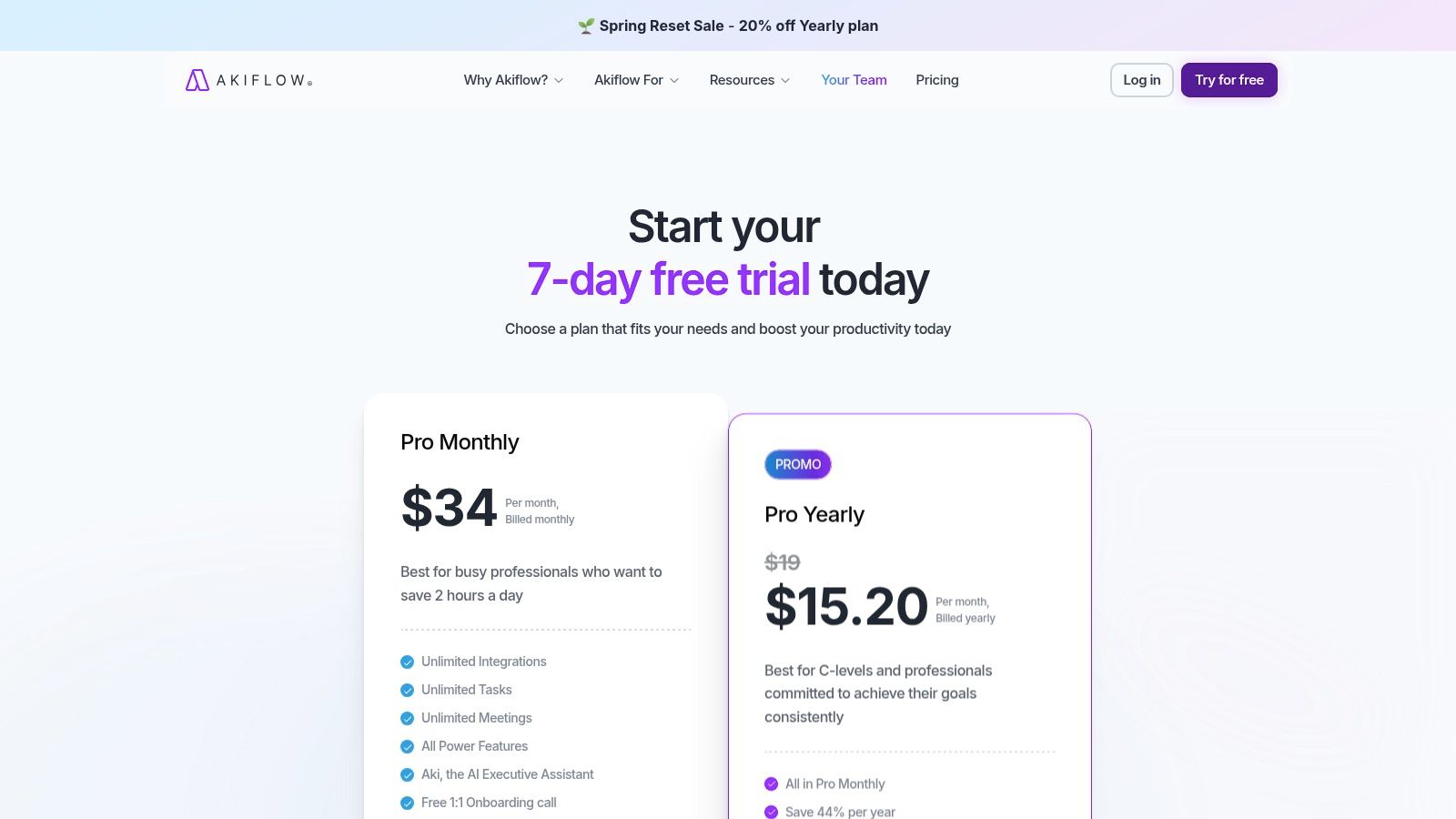
Akiflow makes sense if your day isn't derailed by a lack of motivation, but by an overload of incoming information—tasks that come in via email, messages, project tools, and your calendar. In these situations, the problem isn't remembering what to do; it's deciding quickly what deserves a real slot in your day.
Akiflow works really well here. It centralizes inputs and turns them into scheduled tasks, using a very practical approach. Open your inbox, clarify priorities, assign a time, and get to work. For those of us who are constantly juggling meetings, follow-ups, and requests that change by the hour, this process greatly reduces friction.
I think it's well-suited for founders, consultants, salespeople, account managers, and operations managers—roles in which work almost never takes place within a single tool and in which a traditional to-do list quickly loses touch with reality.
If your work comes in through five different channels, a traditional to-do list often just ends up piling up tasks. Akiflow, on the other hand, forces you to make a more useful decision: what needs to be done, when, and when to schedule it in your calendar.
There’s also a strategic point that’s often overlooked. The more your daily app collects data from different systems, the more it can become a reliable source of information about how you work. It’s not enough to simply mark tasks as completed. What matters is seeing where they come from, how much time they take, how many reschedulings they require, and which categories take up the bulk of your day. This is where micro-productivity begins to generate data that’s also useful for the business. And when this data is analyzed alongside tools like ELECTE, projects stop being just a list of completed tasks and become indicators of workload, distraction, and operational performance.
The trade-off is clear. Akiflow costs more than many simple alternatives and requires a minimum level of effort. If you have only a few inputs per day, you risk paying for a centralized solution you don’t need. If, on the other hand, your bottleneck is the chaos caused by multiple systems, the price can be justified much more easily, because it reduces loss of context, delays, and last-minute planning.
Sunsama doesn't try to make you do more. It helps you plan better. This is a significant difference. Instead of pushing you to pile up tasks, it guides you through a daily routine where you select a few priorities, schedule them, and end the day with a review.
For many people, this approach is more sustainable than an endless list. Work doesn’t appear as an indistinct pile of tasks, but as a stream with limited capacity. It’s a philosophy that’s especially useful in cognitive roles, where overload stems more from scattered attention than from sheer volume.
Sunsama is great if you already have other project management tools but are missing a personal level of coordination. It helps you gather tasks from different systems and decide what actually makes it onto your daily schedule.
Its limitation isn't technical. It's cultural. If you don't accept the idea of doing fewer things but doing them better, Sunsama will seem slow to you. If, on the other hand, your problem is mental chaos, it can become one of the most effective apps out there.
Structured works well for people who don’t manage their day as a list, but as a sequence of time blocks. The point isn’t just to jot down what you need to do. The point is to figure out if that task really fits into today’s schedule, amid meetings, travel, breaks, and short tasks that usually never make it onto a to-do list.
The power here lies in the visual aspect. A task isn’t just an abstract item like “prepare a presentation.” You see it scheduled for 11:00 a.m., with a specific duration, right alongside everything else. For those who tend to overestimate the time available, this makes a big difference.
Structured is a sensible choice in specific use cases:
It must be made clear, however, that there is a trade-off. Structured excels at daily planning but is less effective at managing complex projects, dependencies, and collaboration. If you need to coordinate teams, complex workflows, or long backlogs, other apps on this list are better suited. If, on the other hand, your goal is to get organized for the next 8–12 hours, Structured often delivers more than it promises.
There’s also a strategic aspect that many people underestimate. A good app for organizing your day isn’t just about helping you make it through the day on time. It’s also about generating reliable data on how you allocate your time, where interruptions occur, and which activities take up more energy than expected. Structured wasn’t designed as an advanced analytics tool, but it can serve as an excellent foundational operational tool.
For a professional or a small team, this distinction is useful. First, you make your day-to-day work visible. Then you can identify those patterns at a higher level, linking planned time, actual time, and results. This is where an analytics platform like ELECTE becomes valuable: it takes the signals emerging from projects and transforms them into performance insights, so that micro-productivity ceases to be merely a matter of personal discipline and becomes useful information for making better decisions.
| Product | Key Features | User Experience | Proposed value | Target audience | Unique Selling Points / Price |
|---|---|---|---|---|---|
| Todoist | Views Today/Coming Soon, tags, filters, reminders, integrations | Clean and fast interface | A scale that balances simplicity and advanced features | Individual users and small teams | Extensive ecosystem of integrations; advanced features available for a fee |
| TickTick | Built-in calendar, time blocking, habits, Pomodoro, geolocation-based reminders | Packed with features; gentle curve | Many low-cost features | For those looking for plenty of features and a good price | Excellent value for the features; Premium subscription |
| Google Calendar | Day/Week/Calendar Views, Invitations, Time Zones, Meet | Reliable, cross-platform | Centralized Scheduling and Google Integration | Google users and corporate teams | Free with a Google account; advanced features available through a paid Workspace subscription |
| Microsoft To Do | "My Day," sub-tasks, due dates, Outlook synchronization | Simple and familiar | Instant and Free Task Management | Microsoft 365 / Outlook Users | Completely free; excellent integration with M365 |
| Notion | Databases, templates, calendar/board views, collaboration, AI components | Extremely flexible but complex | Customizable all-in-one workspace | Power users and teams that design workflows | Maximum customization; automation and AI may incur additional costs |
| Trello | Kanban boards, checklist cards, Power-Ups, Butler automations | Clear and intuitive interface | Visual Organization for Workflows | Small Teams and Projects | Simple Kanban with many integrations; some views require a paid subscription |
| Any.do | Tasks + calendar + shopping list, recurring reminders, integrations | Intuitive and clean interface | Combine tasks and appointments in a single app | Users who want cross-platform simplicity | Easy to use; advanced features in Premium |
| Akiflow | Unified inbox from external apps, time blocking, shortcuts, two-way integrations | Very fast and visual planning | Centralize tasks from multiple sources in just a few minutes | Professionals with multiple sources of work | Great for grouping tasks; paid plan only (high price) |
| Sunsama | Daily planning routine, time boxing, evening shutdown, integrations | Guide to Sustainable Planning | Reduces overload and improves prioritization | Knowledge workers who follow routines | Daily ritual; no permanent free plan (paid subscription required) |
| Structured (Daily Planner) | Daily block-based timeline, Pomodoro timer, widgets, Apple integration | An eye-catching and inspiring visual on Apple | Convert the agenda into a sequence of blocks | Apple Users Who Plan in Blocks | Strong Apple integration; paid Pro features / lifetime purchase |
Choosing from among the best apps for organizing your day doesn’t mean finding the app with the most features. It means finding the app that reduces friction in the way you actually work. If you thrive on quick tasks and priorities, Todoist or Microsoft To Do are often enough. If you think in terms of time, Google Calendar, TickTick, or Structured give you more control. If you work across tools, Akiflow and Sunsama make more sense. If you want to build a team operating system, Notion or Trello offer more room to grow.
The key point, however, is something else. Day-to-day organization isn’t just about personal productivity. It’s about the continuous generation of signals: completed tasks, delays, bottlenecks, poorly distributed workloads, meetings that eat up valuable time, and repetitive tasks that pile up. All of this constitutes operational data, even if it often remains trapped within disconnected apps.
When those signals are interpreted together, micro-productivity becomes managerial insight. You can identify which processes are slowing the team down, which tasks are taking up too many hours, and where planning doesn’t match execution. This is where an analytics-driven approach elevates the conversation. You’re no longer asking, “Which app should I use today?” You’re asking, “What is our day-to-day work telling me about how the company is running?”
That’s why it’s best to choose tools that aren’t just convenient, but also easy to read and integrate. A simple yet consistent system almost always beats a rich but unmanageable ecosystem. First, build a workflow that people actually use. Then, turn that workflow into insights.
If your team already has tasks, calendars, boards, and processes spread across multiple tools, the next step isn’t to add another app. It’s to connect what you already have and make sense of it better. That’s when organization stops being a personal matter and becomes a driver of performance.
If you want to turn your activities, projects, and operational workflows into clearer decisions, try ELECTE, an AI-powered data analytics platform for SMEs. ELECTE connects different data sources, organizes the data, and converts it into useful insights on performance, trends, and anomalies, so you can move beyond simple day-to-day planning to a smarter understanding of how your business really works.

.svg)


.svg)
.svg)