
It’s happened to you before. A colleague sends you “Final_Sales_Report_v3_ok.xlsx.” Shortly after , the “right one” arrives . Then you discover that the sales rep updated another copy, the admin team is using a third one, and, in the end, no one knows which file actually reflects the company’s current situation.
For many SMEs, this isn’t just an operational detail. It’s a decision-making bottleneck. When data is scattered across attachments, local folders, and duplicate versions, the problem isn’t just organizational. The problem is that management makes decisions too late, with limited visibility and an unnecessary burden of manual checks.
This brings us to the real question: what exactly is Google Sheets, in practical terms, for a company looking to grow? It’s not just an online spreadsheet. Rather, it’s a different way of treating data as a shared asset.
Google Sheets was launched in 2006 and made free for everyone in 2010. In Italy, according to Capterra Italia, it has a rating of 4.7/5 as of 2026, based on over 13,000 reviews. 92% of users appreciate real-time collaboration. The same source indicates a 75% adoption rate among Italian companies with fewer than 250 employees and a reduction in operating costs of up to 40% compared to traditional desktop solutions.
An SME manager often doesn't need another tool. They need less friction.
If your team still exchanges files via email, every revision creates a small hidden cost: wasted time, data consolidation errors, and meetings that start with people arguing over numbers instead of making decisions.
Google Sheets solves this problem at its root by shifting the workflow from “personal files” to a shared, dynamic document. Everyone is looking at the same database. Everyone sees updates as they happen. Everyone comments in the same place.
That’s why the question “What is Google Sheets? ” deserves a more ambitious answer. You’re not just looking for a replacement for Excel. You’re taking the first step toward a model where data isn’t just stored—it becomes accessible, readable, and usable by your team on an ongoing basis.
Key takeaway: When you eliminate multiple versions, you’re not just simplifying the work. You’re increasing the speed at which your team can understand what’s going on.
Google Sheets is a web-based spreadsheet application built into Google Workspace. That’s the technical definition. But for an SME, the useful definition is different: a collaborative hub for operational data.

Many people stop there: “It’s Excel, but in a browser.” That’s not enough.
The real difference is that Google Sheets is built with a cloud-native approach. This means the document isn’t “on a PC and shared later.” It’s shared from the very beginning. This changes how the team works.
With a local file, the typical workflow is as follows:
With Sheets, the workflow becomes much more streamlined:
For a manager, this is the most important point. A well-structured shared spreadsheet can become your single source of truth for sales, forecasts, margins, the pipeline, or operational activities.
When the sales team, administration, and management control all use the same data source, the conversations change as well. There are fewer debates about “which number is correct,” and more time is spent on “what decision should we make.”
Instead of wondering whether Google Sheets has enough features, ask yourself this: Does my team need to work with isolated data or shared data?
If your company is growing, the second answer is almost always the right one.
For an ambitious small or medium-sized business, Google Sheets isn’t the end goal. It’s the training ground where you learn data management, collaboration, and quick decision-making.
Google Sheets features matter when they solve real-world problems—not when they’re just items on a technical list.

The most visible feature is also the one that has the greatest impact on day-to-day operations.
Two or more people can edit the same spreadsheet at the same time. This simplifies reviews, approvals, and coordination. For example, the sales manager updates the monthly figures while the finance team checks for variances, and the owner leaves comments on critical rows.
The advantage isn't just speed. It's a shared context.
Sheets feels familiar because it’s still a spreadsheet. Cells, formulas, filters, charts. This lowers the barrier to entry for those coming from Excel.
But the real leap forward comes when you stop using it as a static table and start using it as a platform for querying data. Functions like QUERY, ARRAYFORMULA, and cross-sheet formulas let you create reports that are more organized and require less manual work.
Here’s a simple example. You have a file containing raw order data and want to view it by category or sales region. Instead of copying rows to another sheet, you can create a dynamic view that updates as new data comes in.
For those working with large datasets, Google states in the Google Workspace Sheets specifications that a sheet can contain up to 10 million cells and 18,278 columns.
This is where Google Sheets stops being just “the spreadsheet where I enter numbers.”
With Apps Script, which is based on JavaScript, you can automate repetitive tasks. This includes importing data, cleaning columns, updating reports, sending notifications, and managing approval workflows. Google’s own technical documentation notes that using custom macros can reduce manual errors by up to 70% in reporting.
If a team member performs the same task every week, it’s probably not a task for a human. It’s a prime candidate for automation.
A helpful overview of using Sheets as an integration node is available in this guide to Google Sheets integrations.
A single spreadsheet is useful. A spreadsheet connected to the rest of the company is even more so.
You can use add-ons and integrations with other systems to import data from CRMs, forms, operational platforms, and external sources. This makes Sheets an excellent bridge between data collection and analysis.
If you want to see the kind of workflow many companies use, this video offers a practical overview:
The choice is not ideological. It is practical.
For some tasks, Google Sheets is the most natural choice. For others, Excel remains the better option. A seasoned manager doesn’t look for an absolute winner. Instead, they look for the right combination based on the task at hand.

Sheets is particularly effective when the main challenge is coordinating people and data.
Consider these examples:
If your team often works from different locations or with external partners, Sheets' built-in collaboration features are a major advantage.
Excel remains a solid choice when you need established workflows, offline functionality, or advanced analytics that are already built into its ecosystem.
This is often the case for:
If your company has years of Excel expertise, there’s no need to start from scratch. You just need to decide where Excel remains effective and where it creates friction.
| Criterion | Google Sheets | Microsoft Excel |
|---|---|---|
| Collaboration | Native and real-time | Robust, but often more tied to specific files and environments |
| Accessibility | Via browser and devices with a Google account | Strong on desktop, with web options available |
| Automation | Apps Script and cloud integrations | VBA, Power Query, and advanced tools |
| Directions for Use | Ideal for collaborative and continuous work | Ideal for individual analyses and consolidated models |
| Cost | Affordable, with a freemium model | Linked to your Microsoft 365 subscription |
For those who still work primarily with Microsoft, this guide on how to create a chart in Excel may also be helpful, allowing you to compare cash flows more effectively.
For many small and medium-sized businesses, the best choice isn’t “Sheets only” or “Excel only.” It’s to use Sheets as a collaborative workspace and keep Excel for processes that are already well-established and working well.
A spreadsheet becomes strategic when it supports day-to-day decision-making—not when it remains a passive repository.
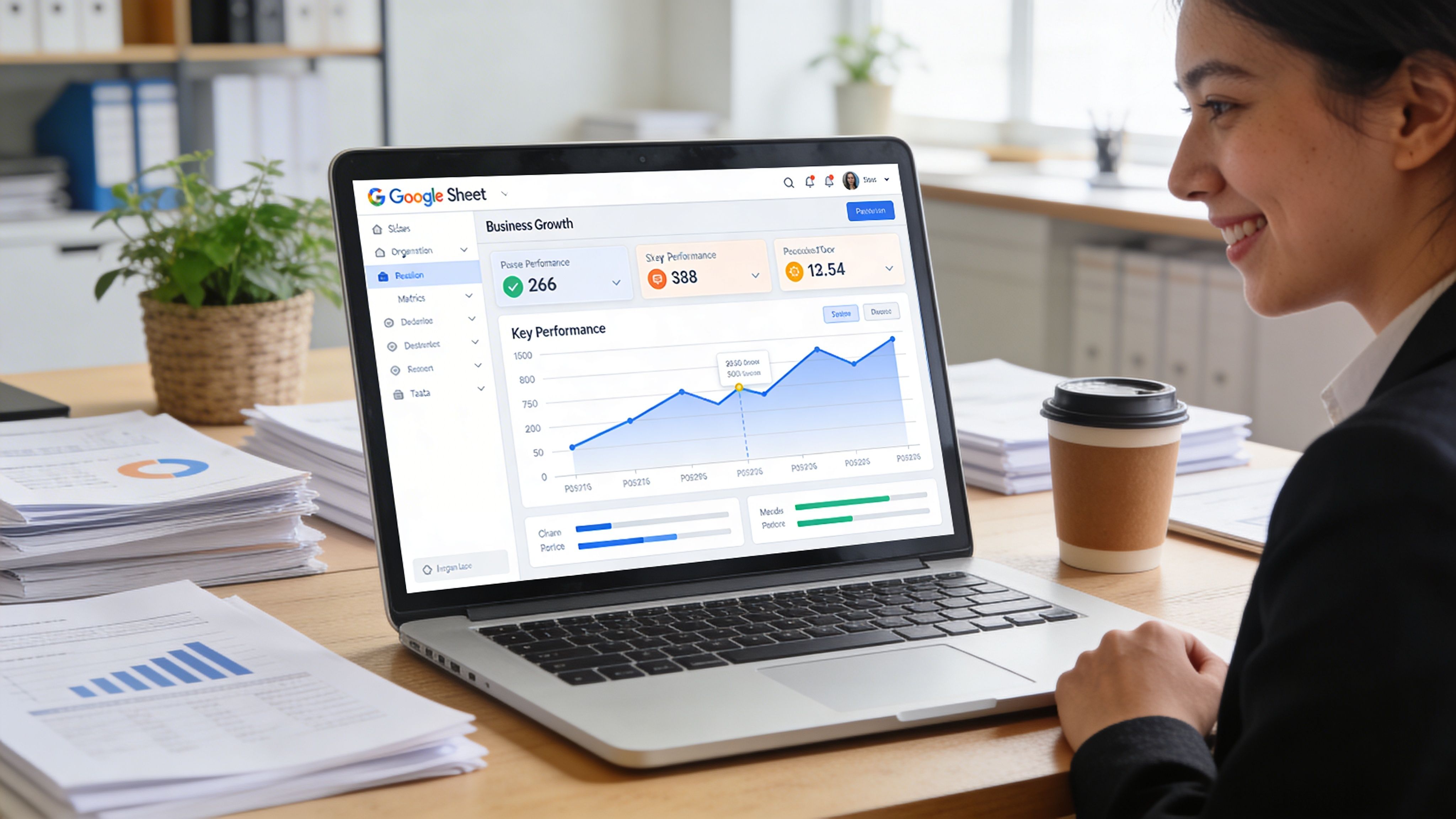
Retail companies often maintain separate files for orders, inventory, and promotions. As a result, the sales manager sees one picture, while the warehouse sees another.
With Google Sheets, you can create a simple but very useful dashboard:
The strength isn't just in the formula. It's in shared visibility. When everyone is looking at the same sheet, decisions about restocking or promotions are made more quickly.
In many agencies or internal teams, the problem isn’t creating a plan. It’s keeping it on track.
An editorial calendar in Google Sheets works well because it lets you link content, assigned personnel, dates, approval status, and notes. Comments help reduce the amount of back-and-forth via email. Charts make it easy to track the progress of tasks without having to use complex tools.
A manager can immediately tell if a campaign is behind schedule, if creative assets are missing, or if the team is focusing too much effort on just a few channels.
Sheets is often underestimated here. In reality, it’s very useful as an intermediate step for cleaning, consolidating, and validating data before final reporting.
A finance team can use it to:
Value does not come from the document itself. It comes from the fact that the process becomes visible, reproducible, and less dependent on a single person.
When you use Google Sheets this way, the most significant benefit is cultural. People start treating data as a stream that needs to be kept organized, rather than a file to be closed at the end of the month.
And this is where the question “What is Google Sheets?” takes on a new meaning. It’s no longer a question about software. It’s a question of organizational maturity.
Many managers embrace the idea of cloud collaboration, but they hesitate when privacy, controls, and compliance come into play. It’s a legitimate concern.
According to a report by ELECTE, the migration from Excel to Sheets raises privacy concerns related to the GDPR, and 55% of Italian SMEs feel uncertain about this issue. The same report notes that recent updates to Workspace, such as AI for anomaly detection, can reduce risks—such as those related to anti-money laundering—by 35%. Furthermore, integrating Sheets with platforms like ELECTE for risk analysis delivers an ROI up to three times higher in six months for finance teams, as reported in this ELECTE in-depth into the competitive evolution of AI for SMBs and large enterprises.
The real question isn’t “cloud or no cloud.” It’s: Who can see what, who edits what, and how do I track the process?
In a well-managed environment, Google Sheets allows you to work with differentiated permissions, controlled sharing, and more organized visibility compared to files that circulate freely among attachments and duplicate folders.
For those who want to delve deeper into the organizational logic behind modern data protection, this article on zero-trust security as the foundation of protection in the digital age provides a clear overview of the topic.
This is where Google Sheets becomes interesting for a more strategic reason as well. It can serve as a staging area—in other words, a place where you collect, clean, and organize data before sending it to more advanced analytics tools.
This is the step that many small and medium-sized businesses skip. They immediately look for a “smart” platform, but without a well-organized database, the results remain unreliable.
With a well-designed structure, Sheets can become:
AI doesn’t replace data governance. It enhances it. And Google Sheets is often the easiest place to start building it.
Yes, Google Sheets is available for free to users with a Google account. For some businesses, however, the Google Workspace environment may be preferable for reasons related to management, administration, and structured collaboration.
No. You can usually access it through your browser. There are also mobile apps, which are useful when you need to check or update data while you're away from the office.
Yes. And that’s one of the reasons why it’s relatively easy to adopt. Cells, formulas, filters, and charts follow a familiar logic. The main difference lies in how the file is shared and managed.
For many SMEs, it is ideal precisely because it is easy to implement and flexible enough to support more mature processes. The tool itself is almost never the limiting factor at the outset. The limiting factor is the quality with which the team organizes the data and builds the process.
When you need forecasts, more sophisticated automated monitoring, cross-source analysis, or more advanced decision-making models. At that point, Sheets remains useful at the operational level, but it shouldn’t be your only analytical environment.
Yes. Macros, advanced formulas, and Apps Script can help reduce repetitive tasks. This is particularly useful in administration, reporting, and data consolidation.
Security also depends on how you configure access, roles, and internal procedures. If your company handles sensitive data, this issue must be addressed alongside clear organizational policies and a consistent control framework.
If you've ever wondered what Google Sheets is, here's the most helpful answer: it's not just a free spreadsheet. It's a collaborative environment that helps small and medium-sized businesses move from scattered files to shared data, from manual work to more organized processes, and from static reporting to a foundation ready for more advanced analytics.
For a manager, this matters because the quality of decisions depends on the quality of the information flow. When the team operates on the same foundation, with a shared approach and less operational friction, it becomes easier to identify priorities, exceptions, and opportunities.
Google Sheets alone can’t meet every analytical need. But it’s often the right first step. And in data strategy, the right first steps are the ones that build a competitive advantage over time.
If you want to turn scattered spreadsheets, reports, and data into clearer, actionable insights, discover ELECTE, an AI-powered data analytics platform for SMEs designed to connect data sources, automate analysis, and support better decisions with less complexity.

.svg)


.svg)
.svg)