
Managing business data efficiently is critical for your small business, but building a database from scratch requires time, technical expertise, and meticulous planning. Fortunately, there are numerous free, ready-to-use Access database templates that provide a solid foundation for organizing vital information, from tracking sales to managing contacts and monitoring projects. These preconfigured templates solve the problem of having to design tables, queries, and forms, allowing you to get up and running in minutes rather than weeks.
This guide was created to help you navigate the best options available. In this article, you’ll discover the most effective solutions for your needs, complete with clear descriptions, sample screenshots, and secure download links. The goal is to provide you with a practical tool to quickly find the most suitable solution. Whether you manage an SME looking to organize its inventory, a sales team needing a simple CRM, or a project manager seeking a tracking system, you’ll find a ready-to-use resource here. These templates aren’t just a starting point; they’re the first building block for creating an effective business information system. We’ll also explore how this data, once structured, can feed into advanced analytics platforms like ELECTE, transforming simple records into strategic decisions.
For anyone starting to work with Microsoft Access, the Northwind database is an essential learning resource. It is not just a template, but a fully interactive case study designed by Microsoft to teach the principles of proper data modeling. Its structure, based on the sales and orders of a fictional company, has become an industry standard for learning about table relationships and creating functional user interfaces.
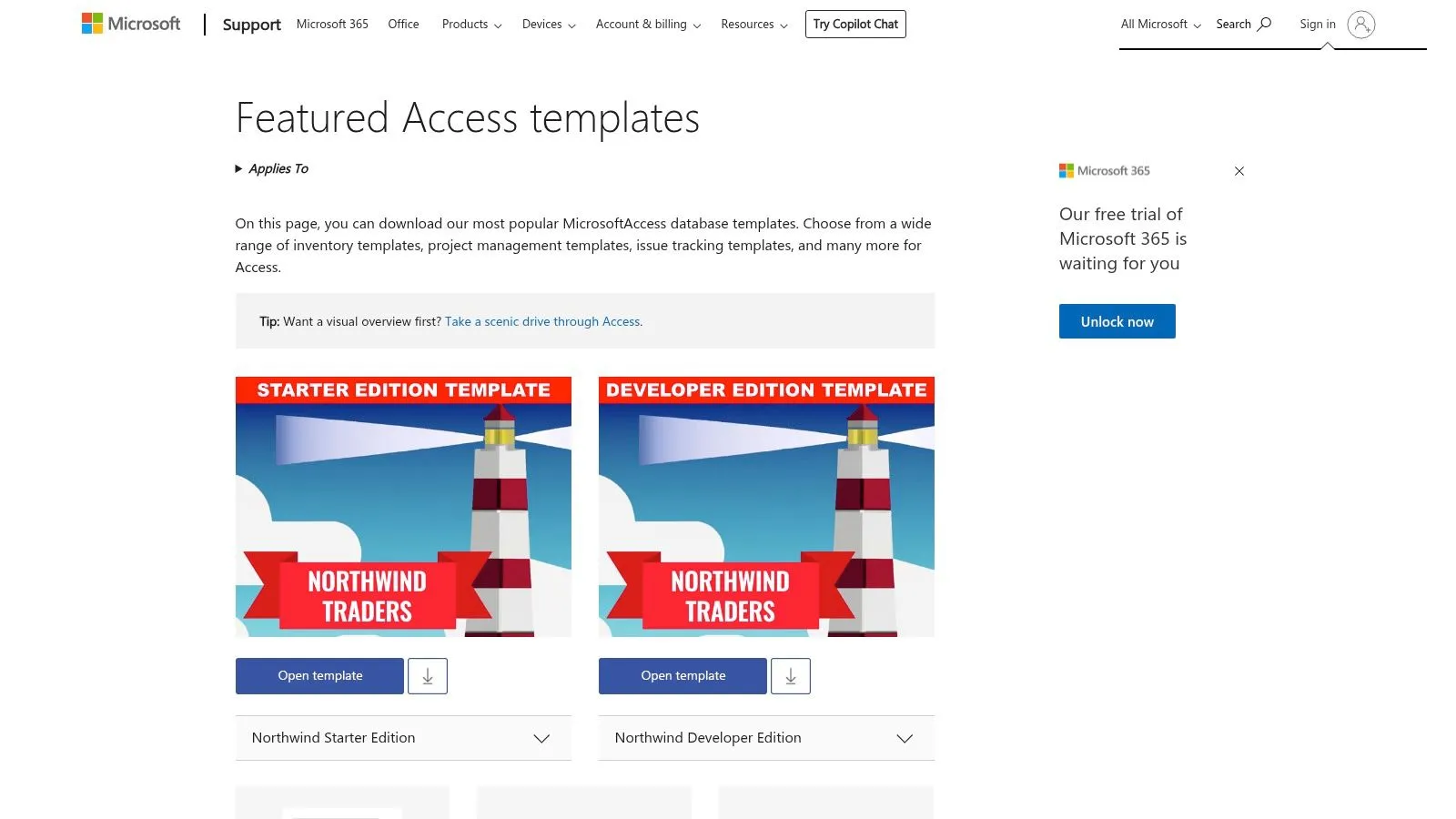
This model is ideal if you’re looking for a practical, well-documented example to start with. By analyzing its architecture, you can learn how to structure tables for customers, products, and suppliers, and how to link them efficiently to manage orders and shipments. It serves as an excellent foundation for understanding how to build a robust and scalable database.
The main advantage of Northwind lies in its educational value. It offers you hands-on experience with Access best practices without requiring any prior knowledge. However, since it was designed as a learning tool, it is not intended to handle complex business processes or large volumes of data.
Access to the Form:
While the Starter Edition serves as a starting point, Northwind 2.0 Developer Edition is the next step for those who want to explore the professional capabilities of Microsoft Access. Developed with input from Access MVP (Most Valuable Professional) experts, this version is a comprehensive advanced guide in the form of a database. Its purpose is not only to show you how to link tables, but also how to build a robust application with validation logic, complex macros, and VBA code.
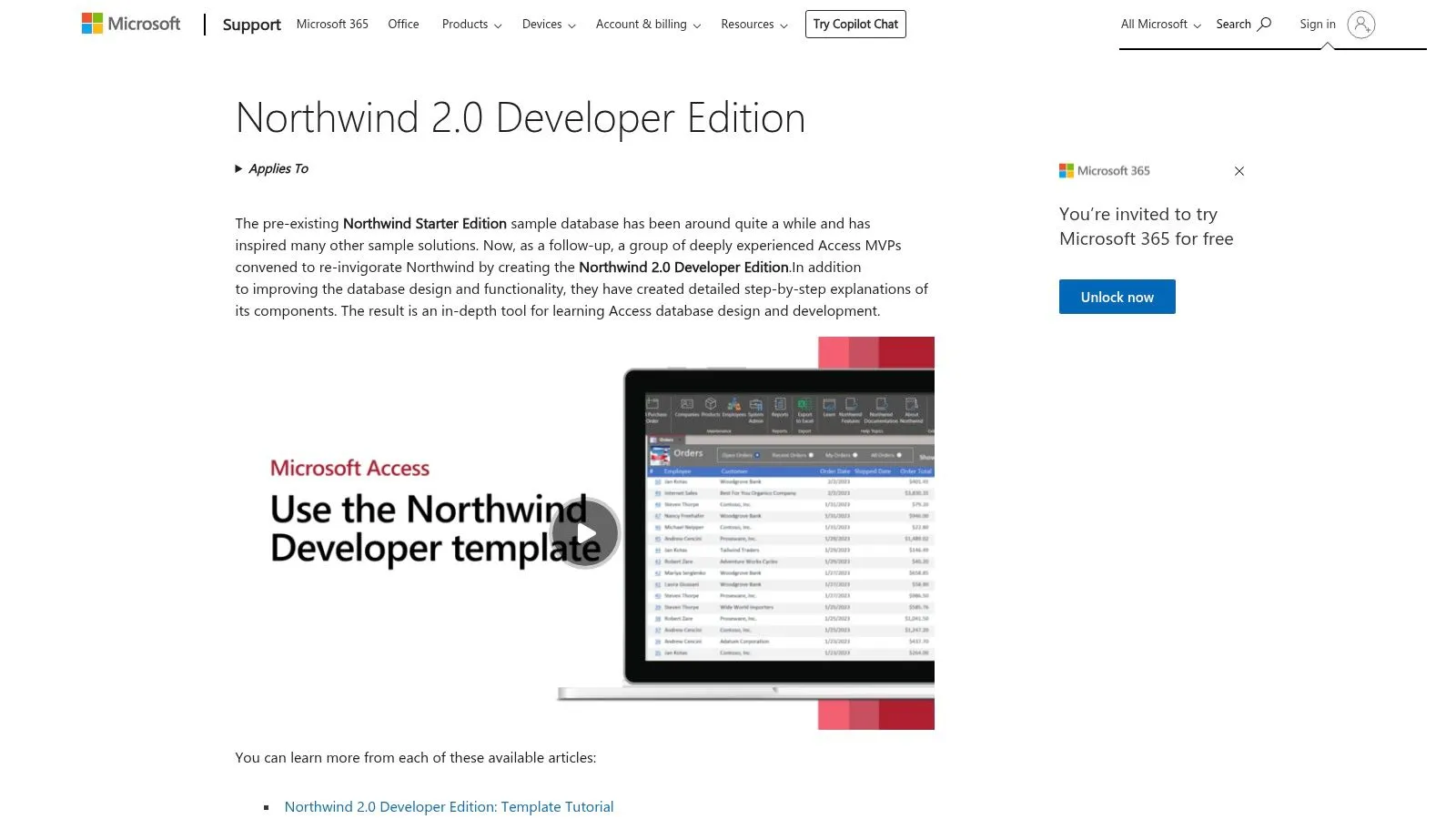
This template is designed for developers and intermediate-to-advanced users looking for inspiration for custom solutions. By exploring it, you’ll discover techniques for creating custom ribbons, managing approval workflows, and implementing complex business rules directly in the database. It serves as a learning accelerator, providing concrete examples of code and design that you can adapt for real-world projects. It’s one of the best free, ready-to-use Access database templates for those who want to go beyond the basics.
The main strength of Northwind 2.0 is its technical depth and comprehensive documentation. It allows you to see professional development practices in action. However, its complexity makes it less accessible to a complete beginner and may be overkill for managing simple lists.
Access to the Form:
Managing company assets—from IT equipment to office furniture—requires a systematic approach to ensure you never lose track of the value and location of each individual item. The Microsoft Access "Asset Tracking" template is designed precisely for this purpose: to provide you with a ready-to-use solution for creating a centralized digital inventory. It allows you to record each item, assign an owner, specify its condition, and track its lifecycle in a simple and straightforward manner.
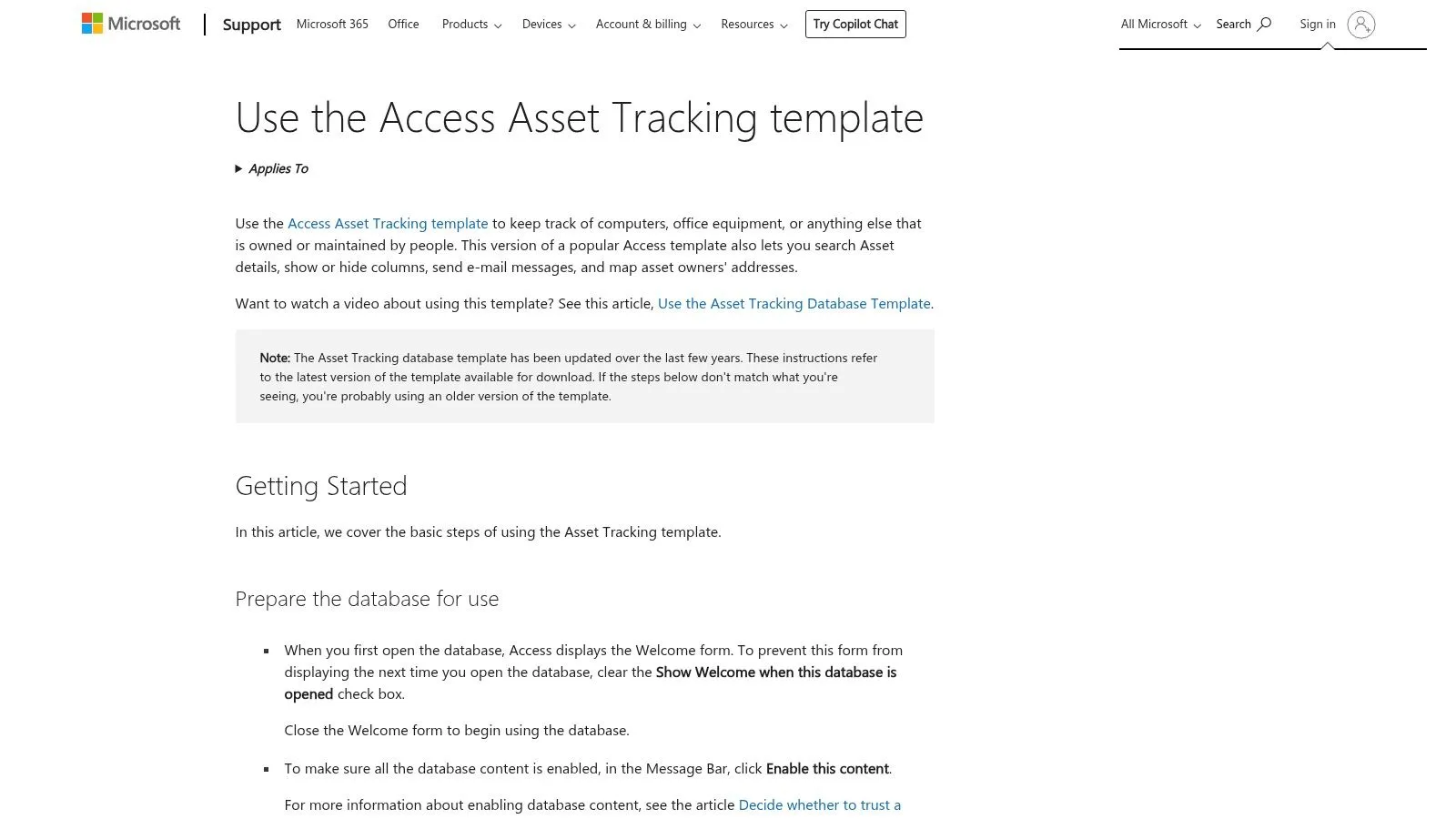
This template is particularly useful for small and medium-sized businesses that need a tool for tracking inventory without having to invest in complex software. With predefined forms for entering and viewing items, print-ready reports, and the ability to attach documents such as invoices or photos, it provides a solid operational foundation. It is one of the most practical free ready-to-use Access database templates if you need to quickly digitize an existing inventory.
The main strength of this model is its ease of use. You can start cataloging company assets in just a few minutes, with no setup required. However, its structure is designed for basic tracking and may not be sufficient for managing advanced processes such as scheduled maintenance or accounting depreciation.
Access to the Form:
For small and medium-sized businesses that need basic inventory control, the Microsoft Access Inventory database template offers a simple and straightforward transactional solution. This template is designed to track inventory movements, managing records for items, suppliers, employees, and all loading and unloading operations. It’s a practical tool if you’re starting to organize your logistics and are looking for one of the best free, ready-to-use Access database templates for this purpose.
This model allows you to track every product-related transaction, providing a clear overview of inventory levels and simplifying reorder decisions. It includes pre-configured reports, such as "Inventory to Reorder," which highlight items that are running low. For more advanced and scalable management, you might consider a dedicated warehouse management system for small and medium-sized businesses. You can learn more about this topic by reading our guide to warehouse management software.
The strength of this template lies in its simplicity: it provides a ready-to-use framework for managing basic reordering processes at no additional cost. However, its structure is not designed for complex operations such as managing multiple warehouses or advanced picking processes.
Access to the Form:
For teams that need a quick solution to track projects without the complexity of specialized software, the Project Management template for Access is an invaluable resource. This template provides a solid framework for tracking tasks, deadlines, budgets, and human resources, centralizing all key information in a single database. It’s designed for you if you’re looking for a practical tool to manage small and medium-sized projects.
Its architecture allows you to define projects, assign specific tasks to team members, and track progress through preconfigured reports. The tables for projects, tasks, and employees are logically linked, providing an instant overview of the status of work. It is one of the most useful free ready-to-use Access database templates for lean PMOs or cross-functional teams that do not yet have enterprise-level systems.
The main advantage of this model is its ease of use and its ability to be quickly adapted. However, it is not a substitute for advanced tools such as Microsoft Project, as it lacks built-in features like Gantt charts, which are essential for complex planning.
Access to the Form:
For marketing teams and agencies that need an agile tool to track campaigns and activities, Microsoft offers an industry-specific project management template. This version is designed to manage projects, vendors, and deliverables, while providing reports focused on budgets and allocated resources. Its structure is ideal if you’re looking for a ready-to-use foundation for managing editorial processes and advertising campaigns.
This template lets you easily navigate between projects, tasks, and resources using predefined fields for budget, manager, and progress status. This makes it one of the best free ready-to-use Access database templates for small and medium-sized businesses that don’t yet have dedicated software but still want to organize their work in a structured way. It’s a practical solution for getting an overview of marketing operations without any upfront investment.
Its main strength lies in the use of terminology and views that are already optimized for marketing teams, making it quick and intuitive to adapt. However, the model does not support complex workflows, such as multi-level approval processes, which may require significant customization.
Access to the Form:
For sales teams that need a streamlined system to track sales opportunities, the Sales Pipeline template is a practical and effective solution. Created directly by Microsoft, this Access database is designed to track every stage of the sales process, from the initial contact to the closing of the deal. It provides a clear framework for managing contacts, assessing the potential value of deals, and gaining an overview of the sales funnel.
This template is particularly well-suited if you're looking for a micro-CRM without the complexity and costs of a full-fledged platform. It allows you to link customer and contact records to individual opportunities, assign closing probabilities, and estimate dates and values. Thanks to pre-built reports, you can analyze performance by salesperson or by deal stage, making it one of the most useful free Access database templates for forecasting.
The real strength of this model lies in its purposeful simplicity. It offers the essential features needed to manage a sales funnel without overwhelming you with unnecessary options. However, it does not include the advanced automation features typical of modern CRMs, such as email tracking or Service Level Agreement (SLA) management.
Access to the Form:
For teams that need a simple system to manage internal reports or software bugs, this Microsoft Access template offers an immediate solution. Its purpose is to centralize the issue-tracking process, replacing disorganized spreadsheets or endless email chains. It provides a basic workflow for logging, assigning, tracking, and resolving tickets, making it ideal for small helpdesks or IT departments.
This template allows you to organize tickets using key fields such as priority, status, category, and assignee. It includes dedicated forms for opening and closing tickets, as well as predefined reports that show open or overdue tickets. Although its structure is simple, it serves as an excellent starting point for understanding how data can be organized—a fundamental concept for adopting true business intelligence software in the future.
The main advantage of this model is its ability to bring order to the chaos of incident management. However, its simplicity is also its main limitation, as it lacks the advanced features that are essential for more structured environments.
Access to the Form:
For small teams and professionals who need a simple way to organize their tasks, this Microsoft Access template offers an immediate and practical solution. It is designed to centralize task management, track deadlines, and assign responsibilities without the complexity of more robust software. Its key strength is its native integration with Outlook, which allows you to import contacts and assignees directly from your address book.
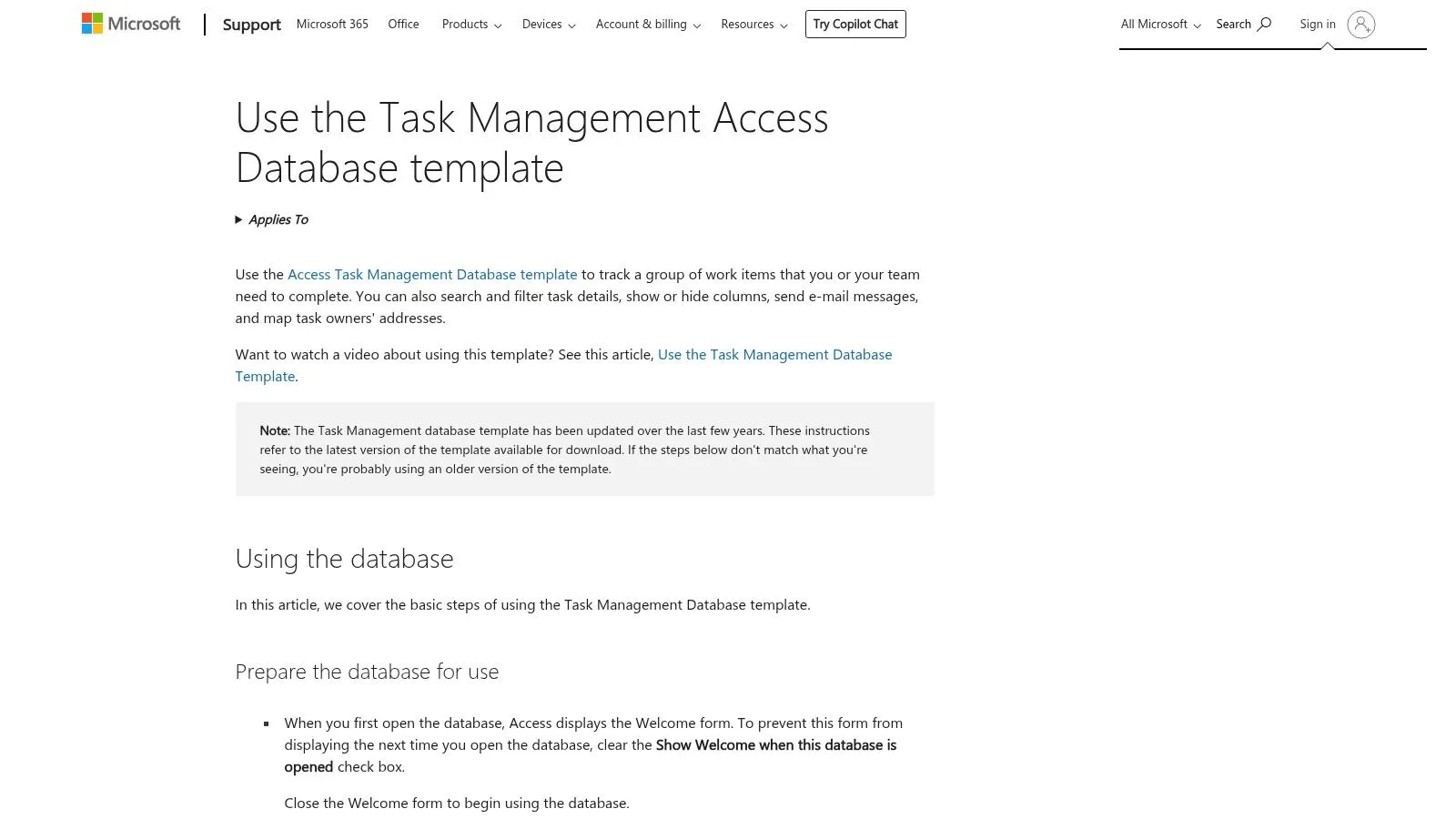
This template is well-suited for implementing lightweight agile methodologies, such as Kanban boards, where tasks are tracked through different statuses (e.g., "To Do," "In Progress," "Completed"). Thanks to savable filters and pre-set reports, it’s easy to get an overview of progress. This is one of the most effective free ready-to-use Access database templates for day-to-day operational management.
The main advantage of this template lies in its immediacy and ease of use. However, its structure is intentionally streamlined and is not suitable for managing complex projects that require advanced features such as task dependency planning or Gantt charts.
Access to the Form:
For businesses that need a centralized and functional address book, the "Contacts" template in Microsoft Access is a straightforward and efficient solution. Designed to manage customer, vendor, or any other business contact information, this template goes beyond a simple list of names. It allows you to organize information into categories, keep a record of basic communications, and integrate multimedia data such as photos or attached documents.
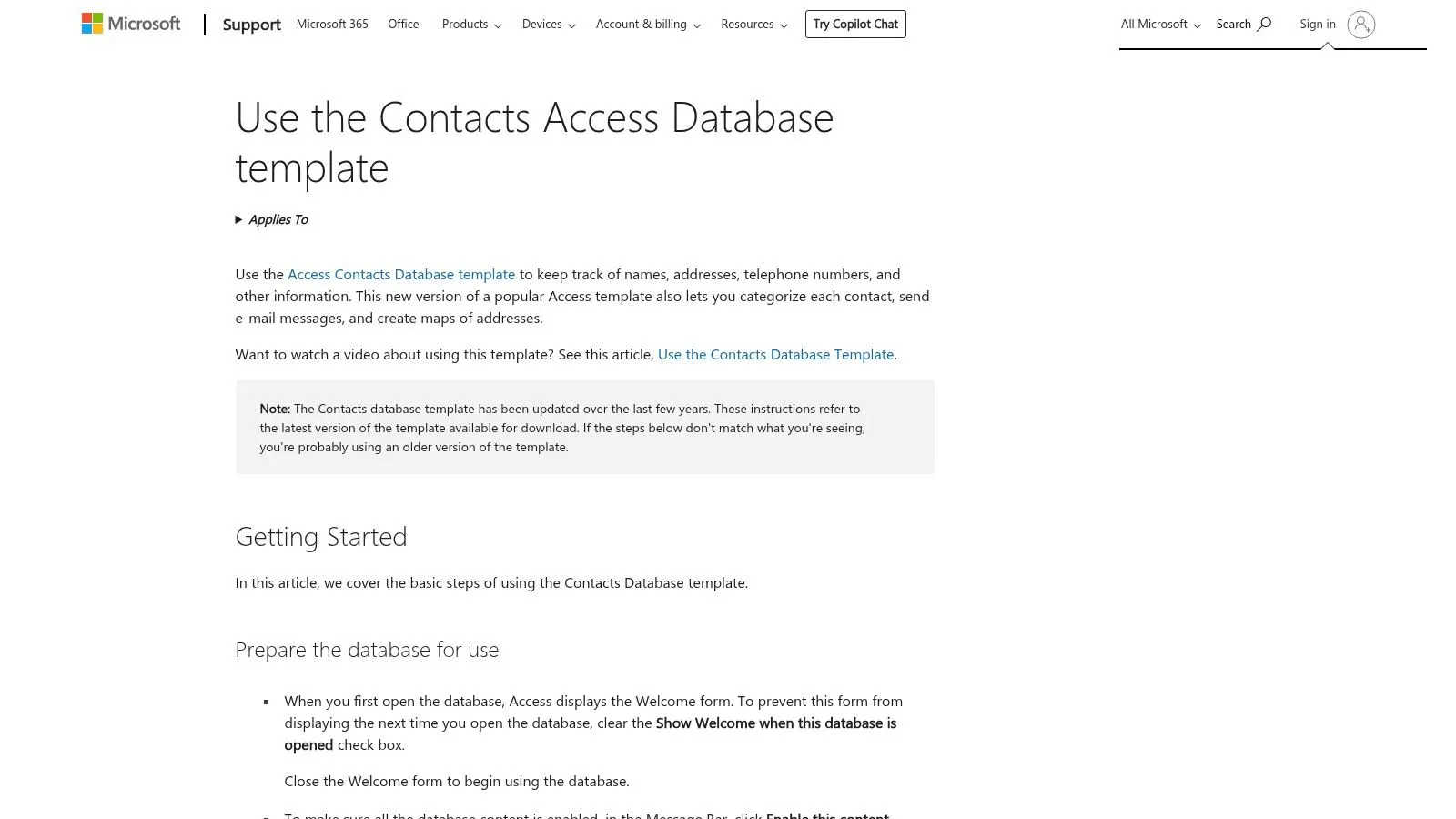
Its strength lies in its practicality. Features such as printing shipping labels or integrating with Outlook to send emails directly from the database make it an essential tool for everyday work. The "Click to Map" feature is another advantage, allowing you to instantly view an address on a map. This is one of the most useful free ready-to-use Access database templates for laying the groundwork for a micro-CRM without any upfront investment.
The main advantage of this model is that it provides a solid, ready-to-use foundation for centralized contact management, making it ideal for small businesses or teams. However, it is not designed to replace a full-featured CRM, as it lacks advanced features such as sales pipeline management or the automation of complex tasks.
Access to the Form:
Designed for managing student records in educational settings, Microsoft’s “Students” template proves to be a surprisingly versatile tool that can also be adapted for corporate training programs or internal training courses. Its primary purpose is to centralize all information related to enrolled students, from personal and contact details to essential medical information and attendance tracking.
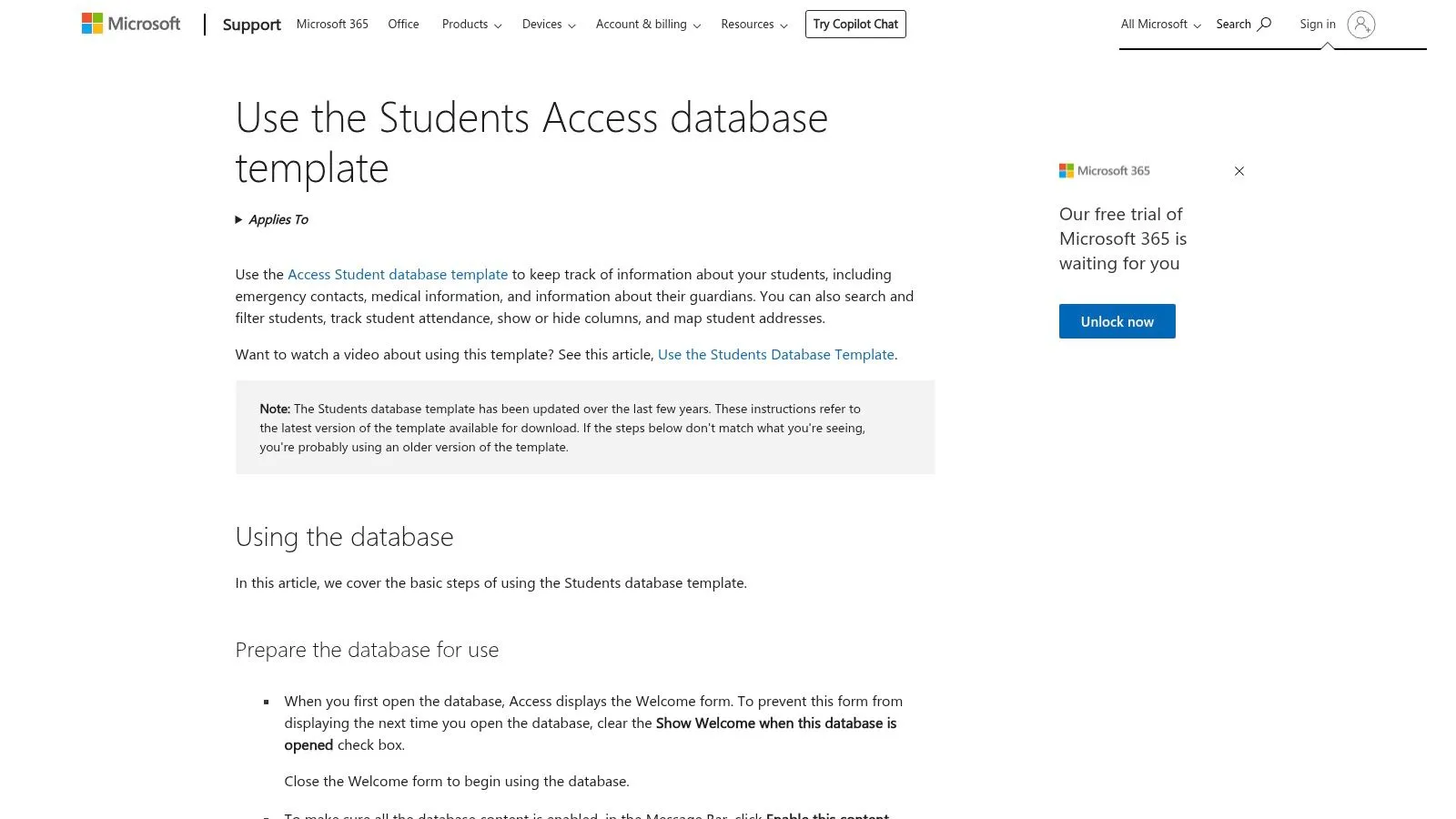
This template provides a solid foundation for anyone who needs to track the training progress of a group of people. The predefined list and detail views are user-friendly and include useful features such as the ability to add attachments—for example, to store documents or certificates. Its well-organized structure makes it one of the most functional free, ready-to-use Access database templates for managing course participants.
The great value of this template lies in its comprehensiveness for the education sector. It offers ready-to-use reports, such as emergency contact lists or allergy lists. However, its terminology is strictly academic and requires customization to be effectively applied in a corporate setting.
Access to the Form:
For small and medium-sized businesses that manage a fleet of company vehicles, keeping track of maintenance is a critical operational task. The "Vehicle Maintenance" template in Microsoft Access is designed specifically for this purpose. It provides a centralized log for tracking repairs, costs, and mileage, making it an essential tool if you need direct, no-frills control over your fleet’s operating expenses.
This template allows you to create detailed records for each vehicle and link specific service entries, recording details such as the repair shop, costs incurred, and mileage. It’s a practical solution if you’re looking for free, ready-to-use Access database templates for cost tracking. The ability to attach documents, such as invoices or images, adds a level of documentation completeness that simplifies verification and archiving.
The main advantage of this model is its purposeful simplicity. It provides exactly the tools needed for maintenance management without unnecessary complexity. However, its structure is not designed to handle predictive maintenance planning based on telemetry data or to manage large fleets.
Access to the Form:
.tbl-scroll{contain:inline-size;overflow-x:auto;-webkit-overflow-scrolling:touch}.tbl-scroll table{min-width:600px;width:100%;border-collapse:collapse;margin-bottom:20px}.tbl-scroll th{border:1px solid #ddd;padding:8px;text-align:left;background-color:#f2f2f2;white-space:nowrap}.tbl-scroll td{border:1px solid #ddd;padding:8px;text-align:left}TemplateCaratteristiche chiaveEsperienza utente e personalizzazioneValore propostoPubblico targetPrezzo / LimitiNorthwind Starter Edition (Microsoft)Tabelle clienti/ordini/prodotti, maschere, report, dati fittiziInterfaccia didattica, facile da personalizzareIdeale per apprendere modellazione e prototipazione venditePrincipianti, formatori, piccole impreseGratuito con Access/365; non adatto enterpriseNorthwind 2.0 Developer Edition (Microsoft)Modello dati esteso, macro/VBA, validazioni, documentazionePiù complesso; alta personalizzabilità per sviluppatoriBase professionale per soluzioni personalizzateSviluppatori Access, professionisti ITGratuito; richiede competenze avanzateAsset Tracking (Tracciamento beni)Anagrafiche beni, ubicazioni, allegati, report inventarioPronto all'uso; integrazione OutlookInventario rapido e tracciabilità basePMI con patrimonio/attrezzature sempliciGratuito; manutenzione avanzata non inclusaInventory (Magazzino/giacenze)Articoli, fornitori, movimenti carico/scarico, report riordinoStrutturato per transazioni; adatto a esporti BIControllo scorte e logica riordino basePMI, logistica leggeraGratuito; non è un WMS completoProject ManagementProgetti, attività, risorse, budget, report avanzamentoScalabile e personalizzabile; manca Gantt nativoMonitoraggio PMO leggero e reporting operativoTeam cross‑funzionali, PMO leggeriGratuito; non sostituisce MS ProjectMarketing Project ManagementCampagne, deliverable, budget, report bilanciTerminologia marketing; rapido da adattareGestione campagne e deliverable per team marketingTeam marketing, PMIGratuito; flussi approvativi multistep non inclusiSales PipelineFasi pipeline, forecast ponderato, report venditeSemplice micro‑CRM; integra Excel/Power BIVisibilità funnel e previsioni commercialiVenditori, PMI pre‑CRMGratuito; mancano automazioni CRM avanzateIssue / Bug TrackingTicket, priorità, assegnazioni, report overdueWorkflow di base; riduce dispersione su email/fogliGestione segnalazioni interna sempliceHelpdesk interni, team IT piccoliGratuito; no portal self‑service o notifiche avanzateTask ManagementTo‑do, filtri salvabili, allegati, integrazione OutlookRapida adozione; adatto a Kanban leggeroOrganizzazione attività personali e piccoli teamTeam piccoli, utenti individualiGratuito; senza dipendenze attività o Gantt nativiContacts (Gestione contatti)Rubrica, foto, mapping, stampa etichetteFacile estrazione e integrazione OutlookBase per micro‑CRM e mailing listVendite, marketing, amministrazioneGratuito; manca pipeline/attività integrateStudents (Studenti / Iscritti)Anagrafiche studenti, tutor, presenze, dati mediciReport scolastici pronti; import OutlookGestione iscritti per scuole o academy aziendaliScuole, training aziendale, L&DGratuito; terminologia da adattare a contesti corporateVehicle Maintenance (Manutenzione veicoli)Veicoli, interventi, chilometraggi, costi, report speseStruttura chiara per tracking costiControllo spese manutenzione per flotte ridottePMI con parco veicoli limitatoGratuito; non per flotte su larga scala o telemetria
Free, ready-to-use Access database templates are a powerful strategic resource, especially for small and medium-sized businesses or anyone who needs a quick data management solution with no upfront costs. We’ve explored a wide range of templates, demonstrating how Access remains a valuable tool for organizing business information in a structured way. Here’s what you need to keep in mind:
Adopting these templates is a crucial first step toward building a data-driven corporate culture. Each template—from contact management to asset tracking—provides a solid foundation that you can customize to reflect your workflow. The true strength of these tools lies in their ability to ensure discipline and consistency in data collection.
However, it is crucial to recognize where Access’s role ends and true strategic analysis begins. A database, no matter how well organized, is only the starting point. Collecting data on sales or inventory is the first step; the next step—the one that generates a real competitive advantage—involves asking the right questions of that data to identify trends and predict future outcomes.
Once your data is perfectly organized in Access, the next step is to unlock its predictive potential. ELECTE, an AI-powered data analytics platform for SMEs, connects to your data sources—such as an Access database—to generate advanced insights and automated reports without requiring technical expertise.
Are you ready to turn your operational data into accurate sales forecasts and winning strategies? Visit our ELECTE website and find out how to take the next step.

.svg)


.svg)
.svg)